 support@bizdata360.com
 +1-650-283-1644
 AI Enabled Data Integrations and AnalyticsAI Enabled Data Integrations and Analytics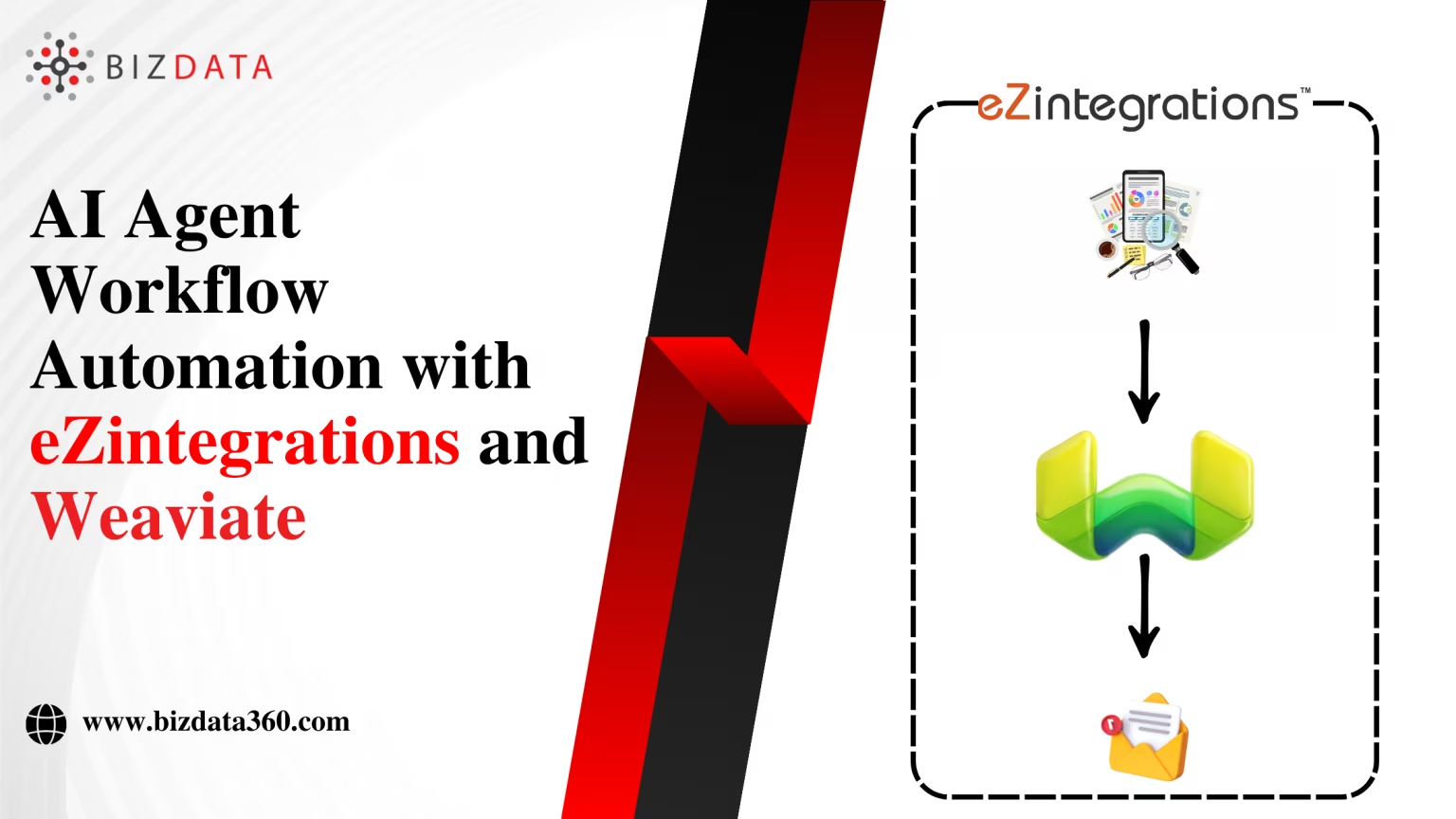

AI is evolving quickly, and businesses now need more than just simple automation. They need workflows that can think, adapt, and act with context. Large language models (LLMs) are powerful, but they often struggle without access to a reliable knowledge base. That’s where vector databases like Weaviate come in.
By combining Weaviate with eZintegrations™, companies can create AI agent workflows that pull in accurate data, process it intelligently, and deliver useful outputs. This integration allows teams to automate complex processes, like analyzing research trends or drafting weekly summaries, all in a no-code environment.
Weaviate is an open-source vector database built to handle semantic search. Instead of looking for exact keyword matches, it uses embeddings from AI models to understand meaning and context. This makes it much more effective for tasks where nuance matters, like retrieving research papers, customer insights, or knowledge base documents.
With Weaviate, AI agents can query large collections of data and return the most relevant answers. It’s designed to work with modern AI applications, making it a strong fit for enterprises looking to build workflows around LLMs and advanced automation.
eZintegrations™ is a no-code AI data integration and workflow automation platform that helps enterprises connect SaaS apps, APIs, databases, and AI tools in one place. It comes with prebuilt connectors for Weaviate, making it simple to insert data, retrieve embeddings, and run vector searches as part of an automated workflow.
This means even non-technical teams can build workflows where data flows from one system to another, gets enriched with AI, and then used to generate outputs like reports, emails, or predictions. eZintegrations™ reduces development effort, speeds up adoption, and makes AI automation accessible across the business.

A vector Database in eZintegrations™ allows you to reference an entire knowledge base during AI tasks rather than relying on few-shot prompting or limited context windows, which can be unreliable, especially for niche or specialized topics.
Vector stores provide LLMs and AI agents with context to ground their answers, making outputs more accurate and reliable. This means the easiest way to improve your retrieval pipelines in eZintegrations™might be to add a vector database to your workflow.
eZintegrations™ enables seamless interaction with AI and AI Agents through its integration with Weaviate Vector Database. Below are some of the key capabilities:
1.Read Documents: Query a Weaviate vector store to get multiple ranked documents using eZintegrations™ for workflow Automation.
2.Insert Documents: Insert documents into a Weaviate vector store.
3.Retrieve Documents (As Vector Store for Chain/Tool): Retrieve documents from a Weaviate vector store to be used as a tool with AI.
4.Retrieve Documents (As Tool for AI Agent): Retrieve documents from a Weaviate vector store to be used as tool with AI agent.
With Weaviate’s open-source foundation, eZintegrations™ works seamlessly whether you choose a local version of Weaviate or Weaviate Cloud.
Here we create a workflow that scrapes AI and machine learning article abstracts from arXiv, enriches them with a LLM, embeds them in Weaviate and feeds them to an AI agent to perform automated trend analysis on a weekly basis.
The result is a short email that summarizes the week’s key research trends and predicts future research directions, linking directly to the most interesting and impactful arXiv papers.
You can download the ready-to-use flow and import it into eZintegrations™ in under a minute to set up your environment. Get started here and explore more AI workflows.

This workflow is divided into two parts:
Fetch, clean, enrich and insert arXiv abstracts into Weaviate.
Use agentic RAG to identify research trends and send them in a weekly email.
An existing Weaviate cluster. You can view instructions for setting up a local cluster with Docker here or a Weaviate Cloud cluster here.
API keys to generate embeddings and run Weaviate. Feel free to switch out the models as you like!
An email address with STMP privileges. This is the address the email will be sent from.
eZintegrations™ cloud platform. Sign up here for free
Navigate to the eZintegrations™ data operations page and select API as operation block.
Press enter or click to view image in full size

After creating a new cloud cluster, follow these instructions to get the following parameters from your Weaviate Cloud cluster:
Weaviate Cloud Endpoint (in the Weaviate Cloud console this is called the REST Endpoint )
Weaviate API Key

Once the Weaviate API key ({{token}}) and Weaviate Cloud endpoint are added, navigate to the Body section. Enter the name of the collection you want to create, along with a description and the desired properties with their data types.
Since we are using Weaviate’s Natural Language Processing, set the Vectorizer to “none”.

Log in to the Weaviate Console.
Open your Weaviate cluster.
In the left sidebar, go to Collection.
Click “+ Add Class”.
Fill in the form:
Class name (e.g., Article)
Description
Add Properties (name, type, description).
In the first part of this workflow, we upload the enriched and cleaned data into a Weaviate collection and verify that the upload is successful.
Here are the steps for part one:
We make a GET request with our search query to the arXiv API to retrieve abstracts along with their metadata in Data Source.T
he search query, that we formulate based on the arXiv API, includes articles published in the cs.LG or stat.ML categories and fetches the first 200 results. You can increase the number of articles retrieved by adjusting the max_results=200 parameter in the query.
https://export.arxiv.org/api/query?search_query=cat:cs.LG+OR+cat:stat.ML&sortBy=submittedDate&sortOrder=descending&start=0&max_results=200&last_update_date_from={{ $(‘Date & Time’).item.json.startDate.toDateTime().toFormat(“yyyyMMdd”) }}
The arXiv API returns results in XML format, so we first convert the XML to JSON. We then parse the JSON to extract the required fields, format the data for Weaviate, and remove any duplicates.
For fields that contain multiple entries,such as authors or categories: We merge them into a single array of strings to ensure they can be passed into Weaviate as metadata.
In this part of the workflow, we feed the title and abstract into the AI operations and prompt it to enrich each article by assigning a primary topic category from a list of predefined categories.
Additionally, the AI assigns up to two secondary categories and provides an impact score (from 1 to 5) that predicts the article’s potential influence in the field. You can see the system prompt we use below:
You are an expert AI agent designed to classify academic research papers. Your task is to analyze the provided arXiv paper data and categorize it based on its content.

In this step, we simply merge the output from eZintegrations™ AI Operations with the existing article metadata, preparing the combined data for upload into Weaviate.
Click on the API Operation in the Data Operation page, then select JINA as the target name and choose the appropriate business object as Create Embeddings. Make sure to include your JINA API key (create for free) to enable embedding creation.
Post {{version}}/embeddings

Provide Weaviate as a vector store tool for AI output inside eZintegrations™ workflows.
All the embeddings are getting stored in this step using the following endpoint with POST method and Weaviate API key in Authorization.
Post https://{{HOST}}:{{PORT}}/{{version}}/objects

These steps serve as verification that the new weekly articles have been successfully embedded and uploaded into Weaviate before proceeding to run the Entire AI service.
Finally, the data collection and embedding generation is complete and we’re ready to configure our AI agent.
In this part of the workflow, we configure an AI agent to use Weaviate as a tool. The agent has access to the full collection of embedded article abstracts along with their metadata.
We use Weaviate as a tool and describe the available input data so the AI can generate a natural language output. Finally, we clean the output using AI Operations and send it via email.
This operation allows you to search and retrieve documents from the Article collection. Using the GraphQL API, you can filter results, retrieve specific properties (like content),using semantic similarity searches.
Post https://{{HOST}}:{{PORT}}/{{version}}/graphql

Allow AI Operations within eZintegrations™ to use the Knowledge base fetched from Weaviate.
We simply set up the prompt to provide us the Email with subject and body as below.
“You are an AI assistant specializing in analyzing research trends. ]

Finally, we select our STMP Account credential (the account where the email will be sent from) in Data Target, enter the address to send the email to and format the Subject and HTML fields with the data from the previous Operation.
Our final output for this workflow is a brief email that highlights Key Research Trends and anticipates Future Research Directions within the AI and machine learning domain.

Bringing Weaviate and eZintegrations™ together opens a practical way to scale AI agent workflows. Weaviate provides the intelligence of vector search, allowing AI models to work with richer context and deliver more accurate results.
eZintegrations™ wraps this capability into an easy-to-use, no-code environment where workflows can be designed, tested, and deployed without heavy development effort.
For enterprises, this means turning ideas into production-ready solutions faster. Instead of proof-of-concept projects that remain stuck in testing, teams can move directly to secure, automated workflows that deliver real business value. From trend analysis to automated reporting, the combination of Weaviate and eZintegrations™ enables AI that is both smarter and easier to adopt.
If your organization is looking to keep pace with AI trends while lowering technical barriers, this integration is a powerful place to start. Try eZintegrations™ for free or Book a free demo of eZintegrations™ today and learn how to build powerful AI agent workflows with Weaviate.


© Copyright 2026 Bizdata Inc. | All Rights Reserved
 Watch Demo

 Post on LinkedIn
 Post on Facebook
 Post on Twitter/X