 support@bizdata360.com
 +1-650-283-1644
 AI Enabled Data Integrations and AnalyticsAI Enabled Data Integrations and Analytics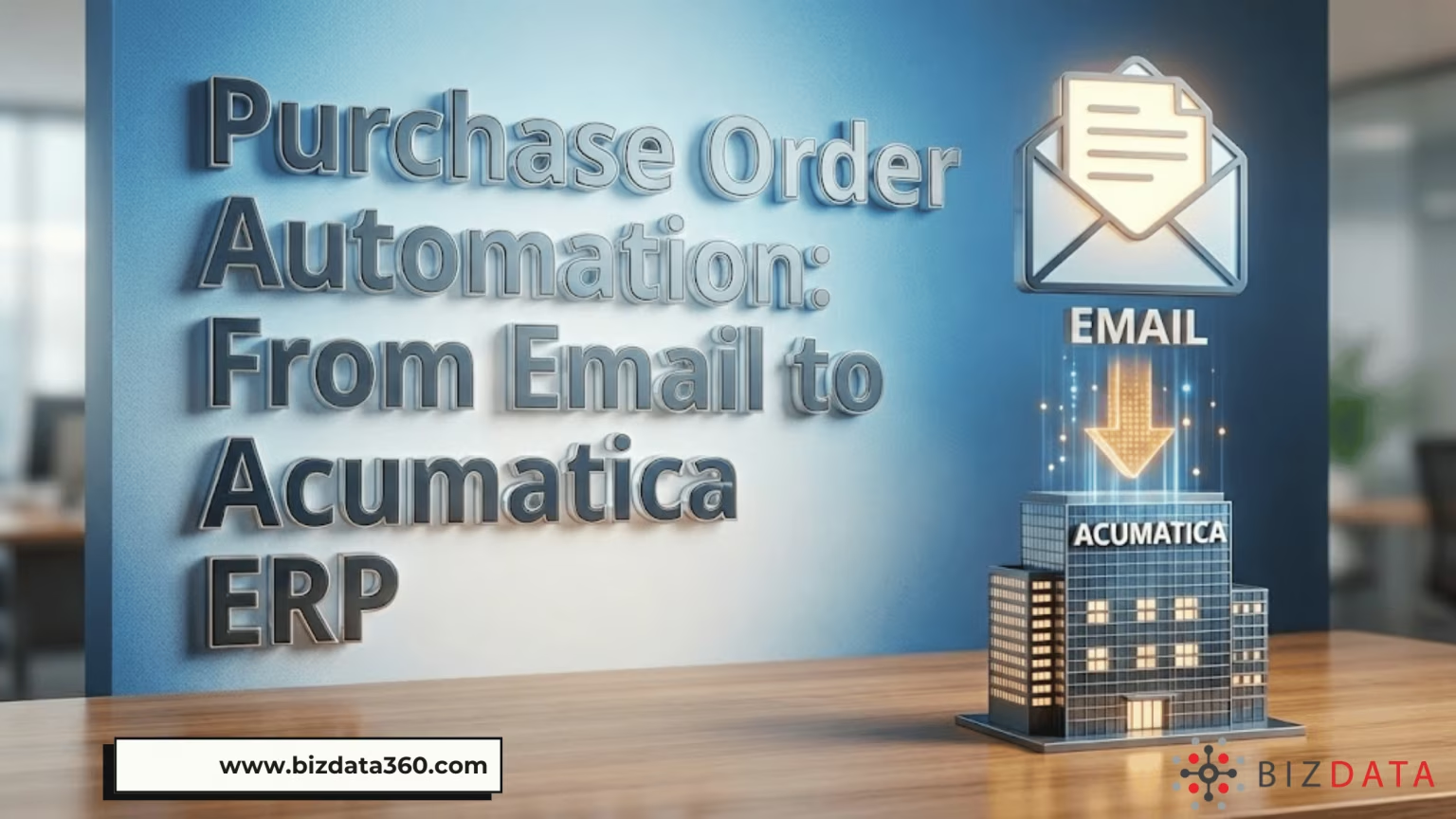

In today’s fast-moving world of procurement, Purchase Order automation has become a strategic necessity for companies looking to cut costs, eliminate errors, and scale operations. Manual purchase order processing still costs companies significant time and money while introducing avoidable mistakes at every step.
Organizations that automate these processes can reduce errors by up to 90 percent and speed cycle times dramatically, freeing teams to focus on strategic work instead of repetitive data entry. Turing IT Labs
For procurement, finance, and operations teams working with systems like Acumatica ERP, taking purchase orders from email and automatically pushing them into Acumatica can transform workflows. This blog explains why it matters, how it works, and how a solution like eZintegrations™ makes it seamless for U.S. businesses.
TL;DR | Key Takeaways
Purchase Order automation refers to the use of software and workflow tools to create, transmit, approve, manage, and track purchase orders without manual intervention. Instead of printing or copying data from emails, spreadsheets, or other sources, automation uses smart extraction and rules to interpret PO data and process it.
Procurement teams still handle manual processes to keep up with demand. Automating PO creation and integration into ERP systems like Acumatica can dramatically reduce cycle times and labor costs while boosting accuracy and compliance.
Most businesses receive purchase orders in unstructured formats first, usually email, PDF, or scanned files. Turning these into structured records ready for Acumatica Purchase Order Management without manual typing is a major pain point for procurement and accounting teams.
Acumatica’s ERP has built-in capabilities for managing purchase orders and workflows, including:
But these features shine only when the data enters Acumatica accurately and quickly. That’s where automation from email to ERP becomes a force multiplier.
Many U.S. businesses still receive Purchase Orders as PDF or email attachments from customers and vendors. The problem starts when teams have to manually retype that data into Acumatica ERP. It slows everything down and increases errors that later turn into delivery issues, invoice disputes, or frustrated vendors.
The eZintegrations™ “Purchase Order from Email to Acumatica ERP” solution is designed to remove that manual gap. It converts unstructured PO data from emails and documents into structured data that flows directly into Acumatica, ready for processing and approvals.
First, it reads and understands POs arriving through email. Then it extracts key fields like PO number, vendor details, line items, quantity, and price. Finally, it syncs the data into Acumatica ERP automatically, so workflows continue without manual effort.
Here’s what that means in practice:
This helps procurement, operations, and finance teams handle more POs in less time without adding headcounts.
When Purchase Orders are automated at the point of entry, everything downstream improves. Approvals move faster. Accounting gets cleaner data. Vendor communication improves because orders are processed on time.
Without automation:
With the eZintegrations™ solution in place, PO processing becomes predictable, auditable, and scalable.
There are many general-purpose automation tools available but eZintegrations™ is built specifically for AI data workflows and enterprise automation.
This solution is ideal for U.S. midsize and enterprise companies using Acumatica because it:
And because eZintegrations™ is a no-code AI workflow automation platform, your business users can manage automation rules without depending heavily on developers.
The easiest way to start is to identify the workflow where most POs arrive by email and map it to your Acumatica process. Then the solution connects email inputs to Acumatica’s Purchase Order module through an integration bridge that automatically extracts, validates, and syncs data.
Most organizations begin with:
From there, automation scales across more vendors and formats once the value is proven internally.
If your team spends time copying PO data from inbox to ERP, this is one of the quickest wins you can implement.
Manual PO entry wastes valuable time, affects cash flow visibility, and limits operational speed. Automation solves that problem at the source and creates a cleaner, more reliable procurement workflow.
If you want to see how the eZintegrations™ Purchase Order from Email to Acumatica ERP solution works in the real world, the best next step is to experience it live.
Book a quick demo of eZintegrations™ and see how AI can transform your Purchase Order process from email to Acumatica ERP.
FAQs About Purchase Order Automation and Acumatica ERP
Q1. What is purchase order automation?
Purchase order automation uses software to create, approve, and manage POs without manual entry, often integrating with ERP systems to update records automatically.
Q2. Can automation work with POs received by email?
Yes. Modern solutions read email attachments or body text, extract key data, and create structured records for your ERP.
Q3. Does Acumatica support automated purchase order workflows?
Acumatica’s Purchase Order Management module supports automated approvals and workflows once the PO data is in the system.
Q4. How fast can a business see results from automation?
Most companies start seeing time savings and accuracy improvements within weeks of implementation.
Q5. Is AI important in PO automation?
AI allows the system to interpret varied document layouts and extract data accurately, especially from PDFs or scanned documents.


© Copyright 2026 Bizdata Inc. | All Rights Reserved
 Watch Demo

 Post on LinkedIn
 Post on Facebook
 Post on Twitter/X